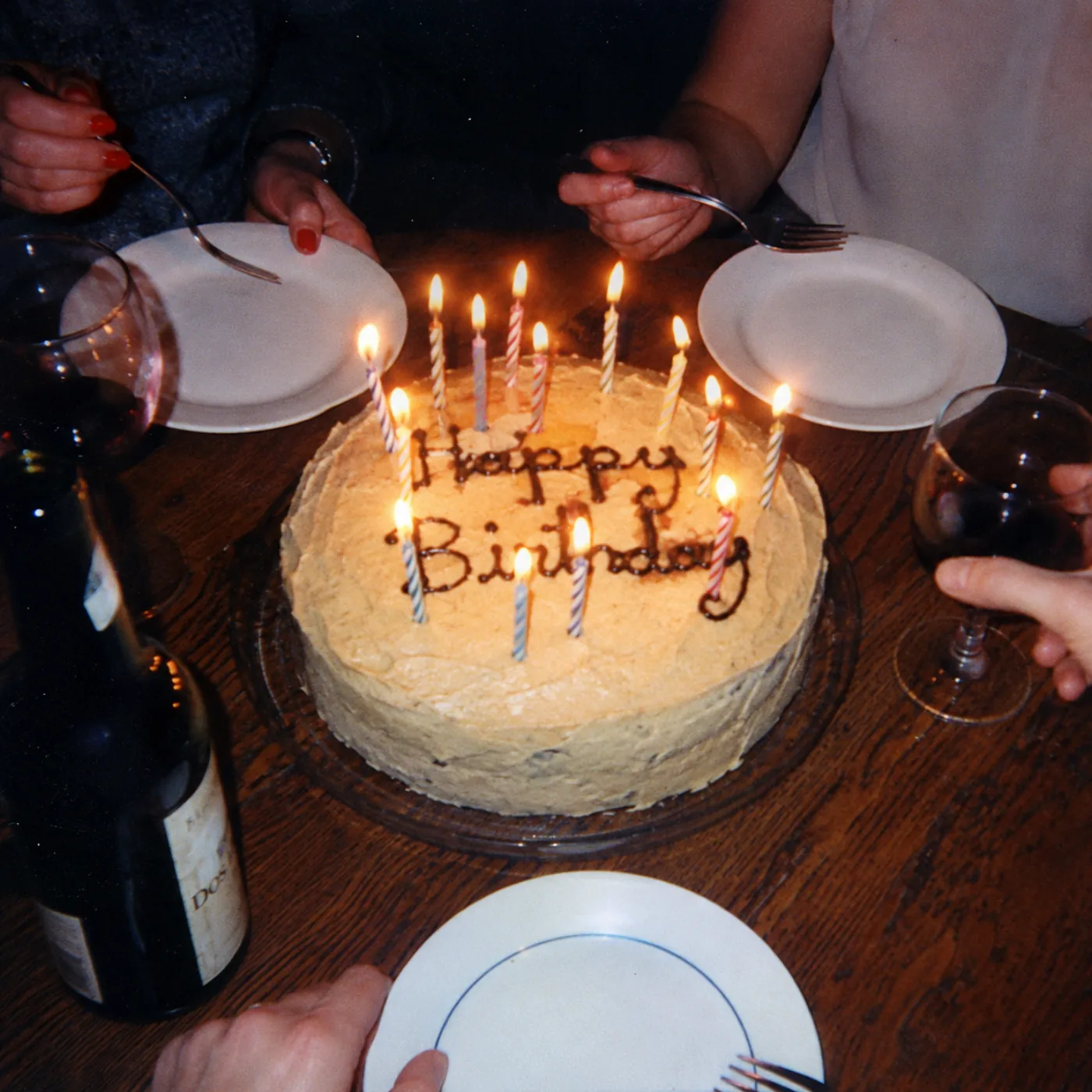
A birthday is a room full of people already holding phones. The best photo sharing app for birthday parties just points all those cameras at one album, so nobody has to chase photos in a group chat afterward. Here are five worth trying, starting with our pick.
Birthdays are informal and fast, so the setup has to be effortless. We looked for tools where guests join in seconds and the result feels like more than a folder of random shots.
How we picked
- Fast to join for guests of any age (a QR, no download)
- Fun to use, not just functional
- One shared album everyone can reach
- Fair pricing for a one-off party
1. lume — best overall for birthdays
lume turns a birthday into a shared digital disposable camera. You create the event, print or share a QR, and guests open the camera in their phone browser with no app. Every shot gets a film look, the roll is limited so people make each frame count, and the whole album reveals at the end for a proper moment.
That finite roll is intentional. Instead of 400 near-identical blurry shots, you get one tidy, good-looking roll everyone actually wants to look through. Pricing is one-time per event, from free to $69.99, with no subscription. See pricing for the details.
2. POV.camera — great for the live party moment
POV is a disposable-camera app for events. Guests scan a QR with no app, each gets a capped number of shots (roughly 5 to 25), and the photos reveal the next day. It leans into the film and disposable vibe well.
Pricing is by guest count, free for 10 people or fewer and rising from $4.99 up to around $89.99 for large parties, with optional add-ons for branding and a live slideshow. The main difference from lume is that the POV host uses a native app to run the event, where lume keeps the host web-first.
3. once.film — the polished, premium option
once.film is a premium private event photo app and lume's closest cousin. You create a film, share a link or QR, guests shoot through the party, and the album reveals afterward, complete with an auto-generated recap video. It is beautifully made, with a big install base.
It markets heavily to weddings and leans on native apps, so it can feel like more than a casual birthday needs. If you want maximum polish and a recap video, it is excellent. If you want web-first simplicity and Spanish or Portuguese as a first language, lume fits the birthday better.
4. PixelParty — best for playful filters
PixelParty blends Snapchat-style tech with disposable-camera nostalgia. It offers fun filters, unlimited photo uploads, instant access and a unique QR, so guests can get a bit creative.
It is app-oriented and built around volume and filters rather than a finite roll. If the birthday crowd loves playing with effects, it is a genuine draw. lume takes the opposite bet: the limited roll and the reveal are the whole point.
5. Google Photos — free and familiar
A Google Photos shared album is free, and many guests already have an account, so for a small birthday it is a reasonable no-cost choice.
The catches: it requires a Google account, which is a real barrier for some guests, there is no QR-to-camera flow, and you end up with a raw shared folder with no film look and no reveal. It stores photos, but it does not make a moment out of them.
Side by side
| lume | Google Photos | |
|---|---|---|
| Guests need an account | No | Yes |
| QR to camera | Yes | No |
| Film look | Baked in | No |
| Reveal moment | Host-controlled | No |
| Cost | Free to $69.99 | Free |
Pros
- No account and no app for guests, just a QR
- Film look and a reveal turn photos into a moment
- One-time pricing for a one-off party
- Works for any birthday, any age
Cons
- The finite roll is not for people who want unlimited shots
- By design, photos carry the film look rather than staying untouched
Our pick
For a birthday that feels special and takes seconds to set up, lume is our overall pick. It is the easiest for a mixed-age crowd (no account, no app), and the film look plus the reveal give the party a keepsake instead of a folder. Browse more use cases to see it in action.
The verdict
POV and once.film are excellent if you want native-app polish, and Google Photos is fine if free is the only rule. For most birthdays, lume gives the best mix of effortless setup and an album worth revisiting.
What is the best photo sharing app for a birthday party?
lume is our overall pick, because guests just scan a QR to shoot in a shared camera with a film look, and the album reveals at the end. POV.camera and once.film are strong alternatives if you prefer a native-app setup.
Do birthday guests have to download an app?
With lume they do not. Guests scan the QR and the camera opens in their phone browser. Some alternatives, like PixelParty, lean more on a downloaded app.
Is there a free option for birthday photos?
Yes. lume has a free tier to start, and a Google Photos shared album is free, though it requires each guest to have a Google account.
How is lume different from Google Photos for a birthday?
Google Photos is a raw shared folder that needs an account. lume needs no account, opens straight to a camera from a QR, applies a film look, and reveals the album at the end for a real moment.
Why does lume limit the number of photos?
The limited roll is intentional. It makes guests deliberate, so you end up with one cohesive, good-looking roll instead of hundreds of near-duplicate shots.
Got a party coming up?
Free for up to 5 guests · no app to download