How to collect all your wedding guests' photos (without a WhatsApp group)
June 3, 2026 · 6 min read
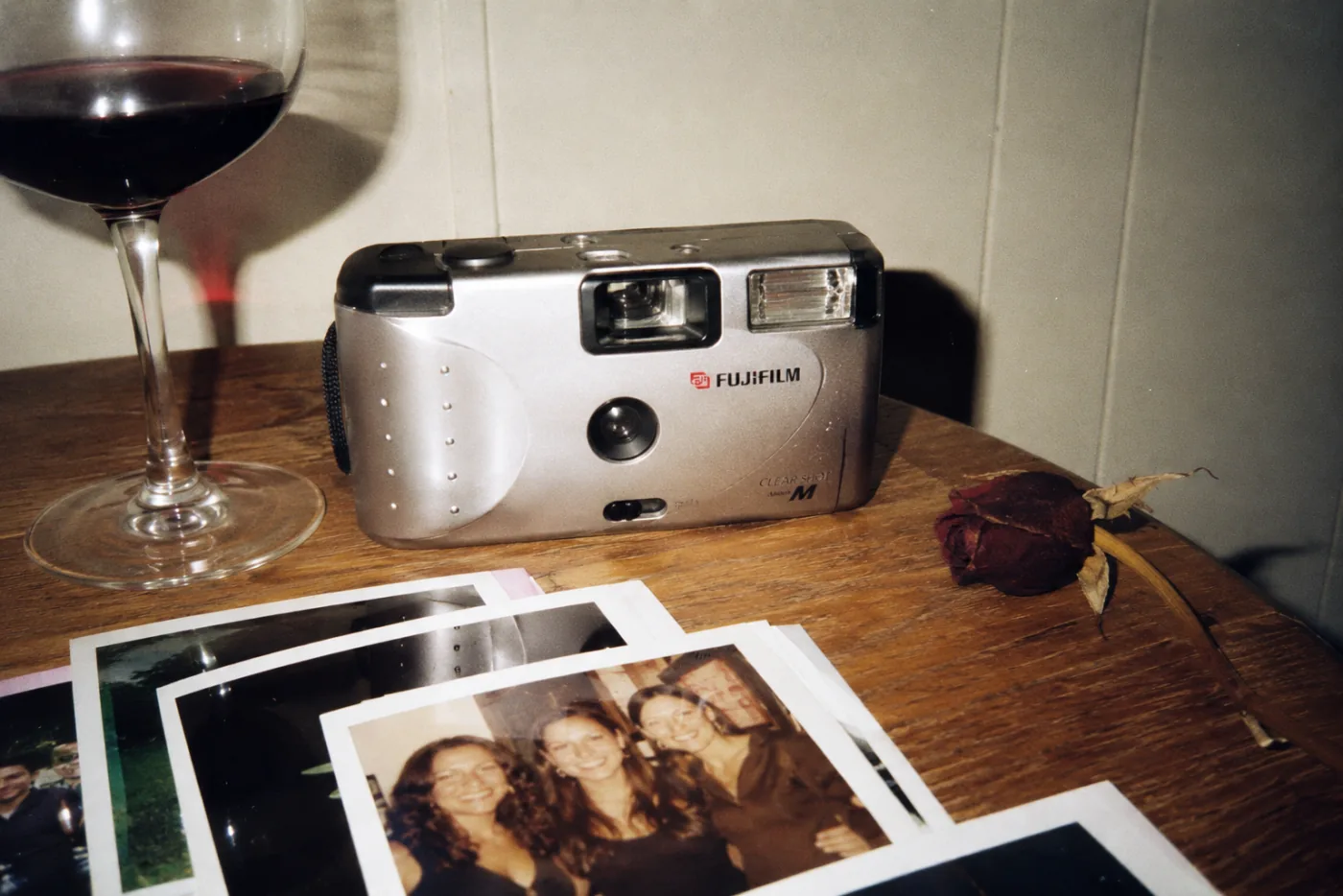
Your wedding photographer will capture what you planned: the ceremony, the portraits, the first dance. But the photos you'll treasure most over the years are different ones: the ones your guests took, from inside the moment. The trouble is those photos end up scattered across a hundred phones, and you never see most of them.
Why your guests' photos are the ones you'll want most
A professional photographer is unbeatable for the key moments. But for every photo they take, ten things happen that they never catch: your aunt laughing at the back table, the impromptu toast, your friends on the dance floor at three in the morning, your grandmother's face when you walked in. Those moments are captured by the people who were right there, phone in hand.
The value isn't technical quality: it's the point of view. Thirty people watching the same day from thirty different angles build a portrait of the event that no single camera can give you.
The ways to gather them (and why almost none of them are enough)
If you've ever organized an event, you've probably tried one of these. Each one has its weak spot.
The WhatsApp group
It's the easiest thing to set up, which is why almost everyone tries it. But WhatsApp compresses photos: what you get is a smaller, blurrier version than the original. On top of that, they get mixed in with the messages, the stickers, and the “congratulations,” and within a week they're buried in the chat. Worse, everyone has to be in the group, and someone is always missing.
A Google Drive or Google Photos folder
It keeps the quality, so on that front it beats WhatsApp. The problem is the friction: the guest has to understand the link, have a Google account, find the folder, and upload the photos by hand. In the middle of the party, nobody does that. You end up with an album of four photos, the ones the two most obsessive guests uploaded.
Cardboard single-use cameras
The idea is beautiful and the look is unmatched: the grain, the direct flash, that film texture. There's a reason they're a wedding classic. But they come with three costs nobody tells you about: buying twenty or thirty cameras isn't cheap, developing takes time and is paid separately, and half of them end up lost among the tables or with the roll only half used. And the worst part: you don't know whether the photos came out until two weeks later, when there's no going back.
Asking for them one by one
Everyone's plan B. “Hey, can you send me the photos you took?” repeated for three months. It doesn't scale, you feel awkward pushing, and there are always photos that never arrive.
The simple way: a digital single-use camera
There's an option that combines the best of the single-use camera with the convenience of digital: a digital single-use camera that your guests open with a QR code. That's the idea behind lume: one QR, a roll limited per person, and an album that's revealed when the party ends.
For the guest it's about as simple as it gets: they scan the QR with their phone camera, a camera opens in the browser (without downloading any app) and they take their roll of photos. Like a single-use camera, with its limit —which is exactly what makes each photo matter— but without buying anything, without developing, and with everything saved in high quality in one place.
And you keep the magic of the reveal: nobody sees their photos until the event is over. The whole day is lived, without phones held up checking the screen. When it's revealed, they all appear together, with the name of whoever took them.
How to do it at your wedding, step by step
- You create the event and decide how many photos each guest gets: the roll.
- You put the QR where they'll see it: on the tables, on the invitation, or on a screen.
- Your guests scan it, get in without downloading anything, and take their photos.
- At the end of the party, the album is revealed: every photo, from everyone, together and in high resolution.
That's it. No groups, no folders, no chasing anyone down. If you want to see how it looks, check out the weddings page; and to find out what it costs, the pricing —you start free for up to five guests.
Two questions that always come up
What if the venue has bad signal?
It happens often at big venues or outdoors. A good digital single-use camera saves the photos on the guest's phone and uploads them on its own when the connection comes back, so none get lost even if the network is overloaded.
What about guests who aren't great with technology?
That's the real test, which is why it matters that there's no app and no account. Scanning a QR and pressing a button to take a photo is something anyone can do: from your teenage cousin to your grandmother. If they know how to take a photo with their phone, they know how to use it.
Got a party coming up?
Free for up to 5 guests · no app to download