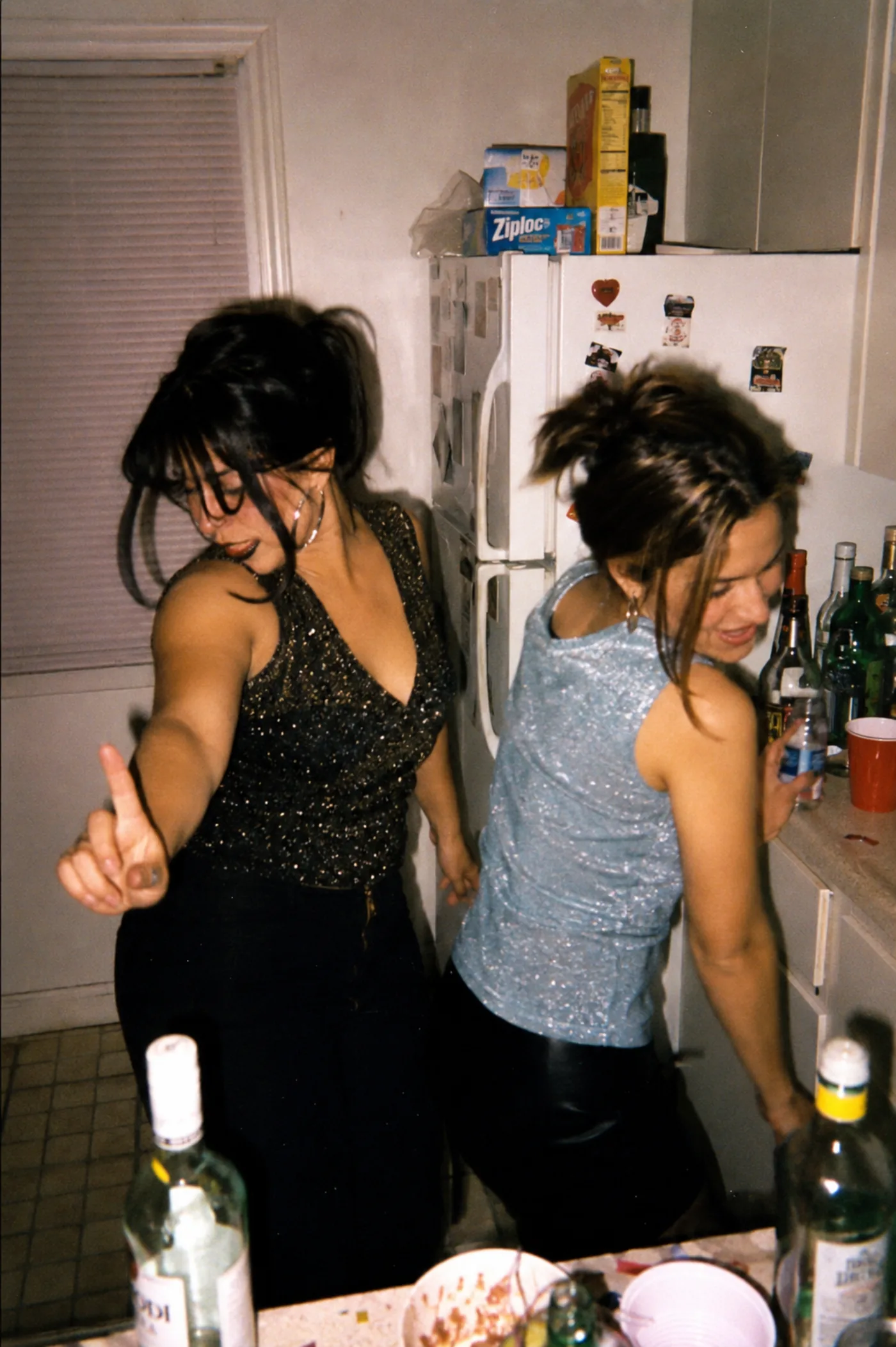
A good disposable camera app turns a room full of phones into one shared roll. Guests scan a code, shoot a limited set of photos with a film look, and the album is revealed later. Here are the best options for events in 2026, with lume first and five strong rivals after it.
All six apps below share the same core idea: a single-use camera, but digital. They differ in who needs to install an app, how they price it, and how much they shape the look of your photos. We kept each take short and fair.
How we picked
- No app for guests: guests should join by scanning a QR code, not by downloading anything.
- The camera experience: shooting inside the app, a film look, a limited roll, and a delayed reveal.
- Fair pricing: clear costs for a single event, without surprises.
- Fit for any celebration, not weddings alone.
1. lume — best overall, web-first for everyone
lume is a digital disposable camera that runs entirely in the browser, so neither the host nor the guests install anything. The host creates the event, gets a QR code, and guests scan it to shoot a limited roll with a film look baked in, then the album is revealed at the end. It is one-time pricing per event (from free to $69.99), works for any celebration, and is built Spanish and Portuguese first with English, French, and Italian too.
2. POV.camera — great for the live event moment
POV.camera gives each guest a capped number of shots (about 5 to 25) that reveal the next day, with a fun disposable vibe. Guests join by QR with no app, though the host uses a native iOS or Android app to run it. Pricing scales by guest count, free for up to 10 people and rising to around $89.99 for large events, with optional add-ons for branding and a live slideshow.
3. Lense — simple guest-count pricing and a slideshow
Lense lets the host set a shot limit per guest, and every plan includes a shared album, downloads, and a live slideshow. Guests scan a QR to reach the camera, while the host works from a native app. Pricing is by guest count, free up to 7 guests and up to $99.99 for around 500, which is easy to read if you know your headcount.
4. Scene — clean film filters and full-resolution downloads
Scene offers film-style filters and, notably, full-resolution 12MP downloads without the filter baked in, plus offline capture and permanent storage. Guests join through the browser with no app, but the host has to create events in the native iOS or Android app. If you want the un-filtered originals as well as the film look, Scene is a strong choice.
5. once.film — the most polished, with a recap video
once.film is lume's closest twin and the most polished of the group, with a nostalgic aesthetic, a delayed reveal, an auto-generated recap video, and a large install base. Guests join by QR with no download. It leans on native apps and markets heavily to weddings, so it is a lovely pick if that polish and the recap video matter most to you.
6. PixelParty — Snapchat-style filters and unlimited uploads
PixelParty blends disposable-camera nostalgia with Snapchat-style filters and unlimited photo uploads, each event getting a unique QR. It is more app-oriented and leans toward instant access rather than a finite roll and a reveal. If your crowd loves playful filters over the scarcity of a limited roll, it is worth a look.
| lume | POV.camera | |
|---|---|---|
| Guest app | None (browser) | None (browser) |
| Host app | None (web) | Native app |
| Film look | Baked in | Disposable vibe |
| Reveal | Manual, at the end | Next day |
| Pricing | One-time per event | By guest count |
Our pick
For most events, lume is the easiest to run because nobody installs an app, the film look gives you one cohesive roll, and you pay once per event. POV.camera and once.film shine if you want a big-brand live experience or a recap video, and Scene is the pick if full-resolution un-filtered files matter to you. See how the shared roll works if you are new to the format.
The verdict
If you want the disposable-camera feeling without asking anyone to download an app, start with lume. It keeps the finite roll, the film look, and the reveal, and it works for weddings, birthdays, and every celebration in between.
Frequently asked questions
What is the best disposable camera app for events?
For most events, lume is the best all-round pick because guests and the host both use the browser with no app to install, photos get a film look, and you pay once per event. POV.camera and once.film are strong if you want a big-brand live experience or a recap video.
Do guests need to download an app?
With lume, no. Guests scan a QR code and the camera opens in their phone browser. POV.camera, Lense, and Scene also let guests join by QR, but those three require the host to use a native app.
Is there a free disposable camera app?
lume is free to start, and you can move up to a paid tier as your event grows (from free to $69.99). POV.camera and Lense also have free tiers for very small gatherings.
How many photos does each guest get?
It depends on the app. lume uses a limited roll so every shot counts, POV.camera caps guests at roughly 5 to 25 shots, and Lense lets the host set a per-guest limit.
When are the photos revealed?
lume reveals the album at the end of the event, in a reveal the host controls. POV.camera and Scene reveal the next day or at a host-set time, which keeps the surprise alive.
Got a party coming up?
Free for up to 5 guests · no app to download