The host's guide: how to make your guests actually use the shared roll
August 4, 2026 · 6 min read
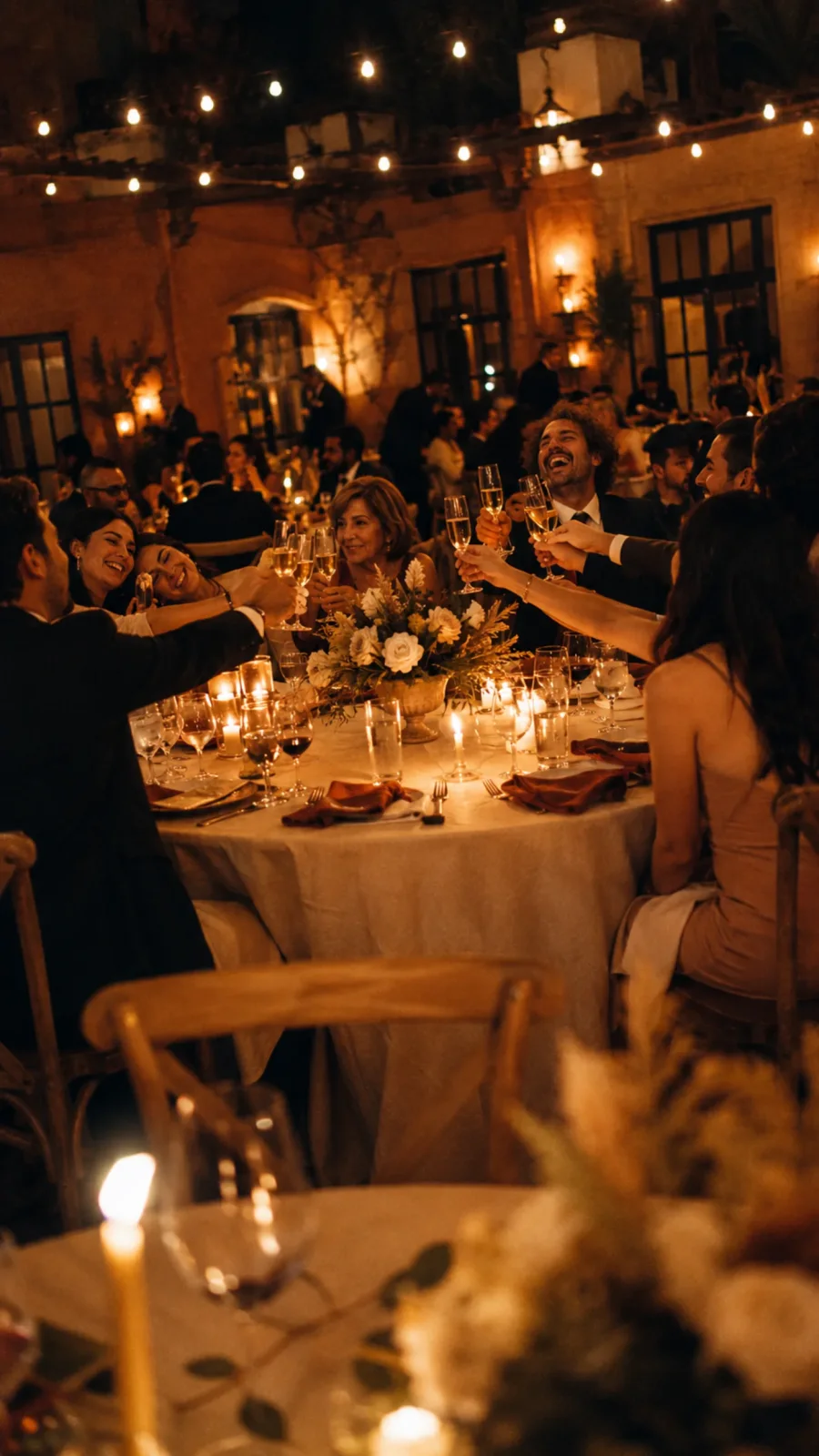
Buying the shared roll for your event is the easy part. The part that makes the difference between an album with thirty photos and one with three hundred is what you do as the host before the big day. Here's what we've learned helping other hosts: where to put the QR so no one skips it, four games that multiply the use, and the moments you can't miss.
Where to put the QR (so people actually see it)
A single sign with the QR gets lost between the crowd, the chatter and the lights. The rule is simple: spread it across at least three different zones. The more times each guest crosses paths with it, the more likely they'll scan.
- On the welcome table. It's the first thing they see when they walk in — an A5 sign with a short message ("scan and take your event photos") is enough.
- Small cards on each table. Next to the menu, or leaning against the glass. People look at them while waiting for the first course.
- On the back of the printed menu. When they flip it looking for dessert, it's there. Zero extra cost.
- In the bathroom. This is where people pull out their phone without needing an excuse. A small sign above the mirror works better than ten in the ballroom.
- Near the bar. While they wait for their drink, they'll look at anything. A small poster at the corner of the counter.
- On the invitation you send beforehand. Send it by email or WhatsApp a few days out. Guests who already have it on their phone start faster.
If you have to pick only two zones, prioritize the bathroom and the tables. They're the two spots where the phone comes out naturally.
Four games that multiply the use
Any of these turns the roll into something active, not a forgotten accessory. You don't have to do all of them; even one changes the event.
Photo bingo
The simplest and the most effective. Print a short list of concrete challenges: "a photo of grandma laughing", "someone dancing barefoot", "the dessert before anyone eats it", "two people who didn't know each other today". Guests check them off as they get them. You can make different versions per table so they compete.
The roll challenge
Ask them to use at least half the roll before the toast. It forces early use, not just at the end when everyone's already tired. You can announce it on the mic when guests arrive: "you've got twenty photos — at least ten before the toast".
The impossible photo
The challenge: take a photo the professional photographer won't be able to take — the foot of the table, from below, in the bathroom, the phone resting on the floor, the view from the kitchen. These are the shots no one has afterwards, and the ones that make the album feel different.
Photo swap
Each guest has to take a photo of someone from another table they don't know. It breaks the ice, and ends up producing some of the strangest and best photos of the event — glances between people who hadn't spoken until then.
The moments you can't miss
Ask someone you trust — a cousin, a witness, someone who isn't going to be dancing all night — to keep an eye out for these five moments:
- Guests arriving. Before anything starts, when no one is posing yet.
- The toast. Everyone with their glass up, each from their own angle. The photographer shoots it from the front; the shared-roll album has it from every side.
- The first dance or the first bite of the cake. The classic. The more angles, the better.
- The dance floor when it's full. The peak moment. Someone has to remember to pull out their phone mid-dance.
- The last photos of the night. When only the closest circle is left, when the uncles have gone home. They're usually the best of the event and the ones the fewest people take.
Three more things before we wrap up
- Tell them the album gets revealed at the end. Knowing they can't peek during the event, they skip the "pose and delete if it didn't come out" mode. The photos come out more honest.
- Ask for some horizontal shots for the group photos. The album looks better when it mixes verticals and horizontals.
- Give them room to experiment. The best photos are never the posed ones. If you tell them "shoot whatever you want", you'll see angles no photographer would try.
The trick that activates everything else
All of this works better if you use an app that opens a camera right when you scan the QR, not a form to upload photos that almost no one fills out. We compare the options in this piece and explain how the QR works in this other one.
When the scan is one tap and you're already taking photos, everything above activates by itself. When there are three steps between the QR and the first photo, no game makes up for it. And if you want to jump straight to building yours, start with the pricing.
Got a party coming up?
Free for up to 5 guests · no app to download